
C2Empowered · The operations platform
Governed AI automation that runs inside your network.
Self-hosted. Every consequential action approved before it happens, attributed while it happens, and provable after.
- Pilot · $3,750 + build hours
- Perpetual licence after the pilot
- Runs on your own servers
Built on IntentSharp. Cognitive Infrastructure, our method, is under it.

Overview
Approved before. Attributed during. Provable after.
C2Empowered is the governed operations platform: describe a job in plain language, approve what matters, keep the record.
- A named approver
- Steps that send, write or act in an application stop until a person approves. The step's risk level decides.
- A named person
- Every action carries who ran it and who approved it, not a role or a service account.
- A kept record
- This workflow, this version, this run, these inputs, this output. Every published version is hashed and comparable.
People move from doing the work to managing what does it.
112 s
Measureda government portal filing, automated · median of the last 18 runs
10–20 min by hand, per filing (the customer's estimate)
- Where it runs
- Your own servers, with a local AI model by default. Nothing reports to us.
- How it starts
- A pilot: $3,750 fixed, plus build hours at $175/h.
- After the pilot
- A perpetual licence. Unlimited users, workflows and runs.
How it works
Describe it. Approve it. Let it run.
-
Step 1: Describe
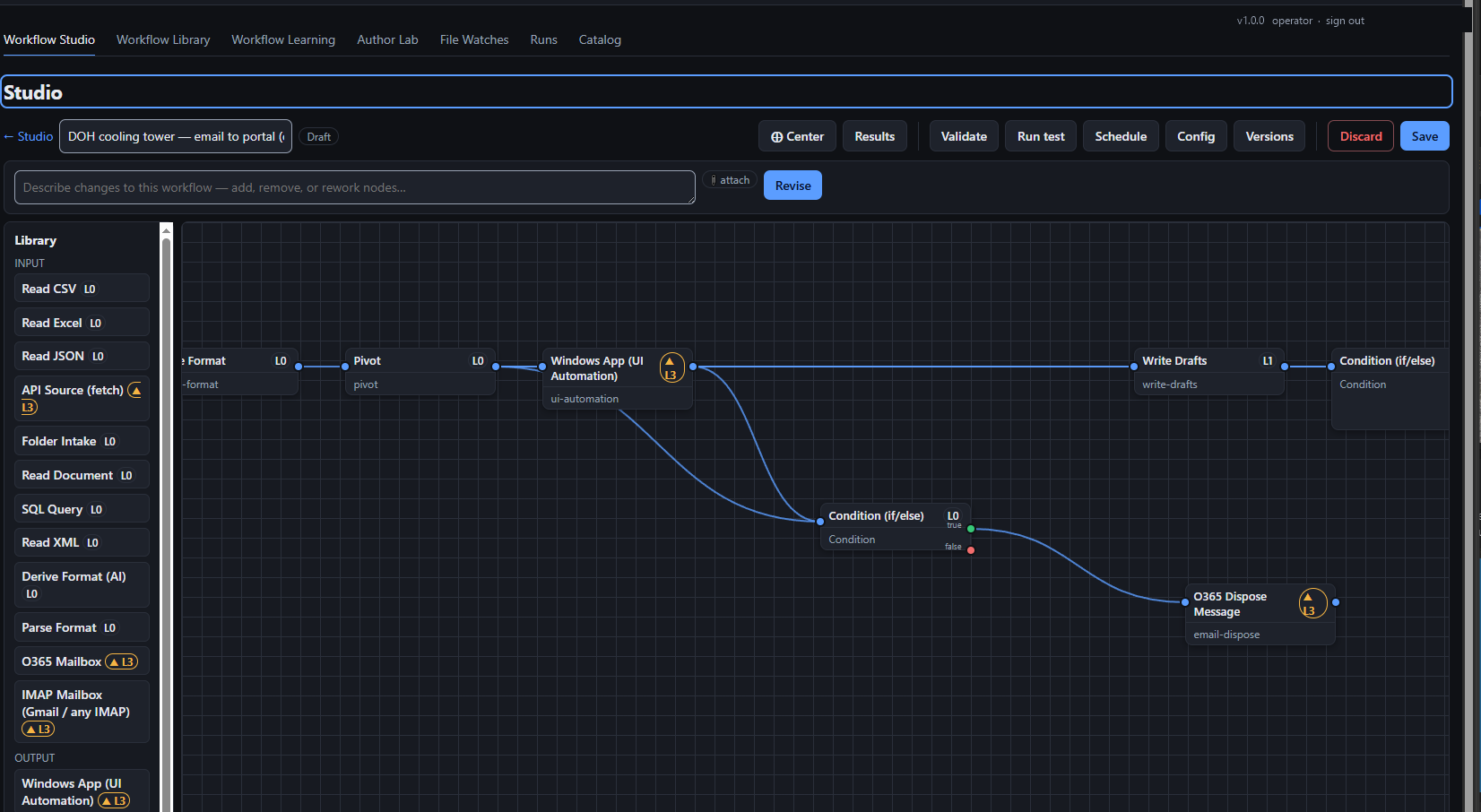
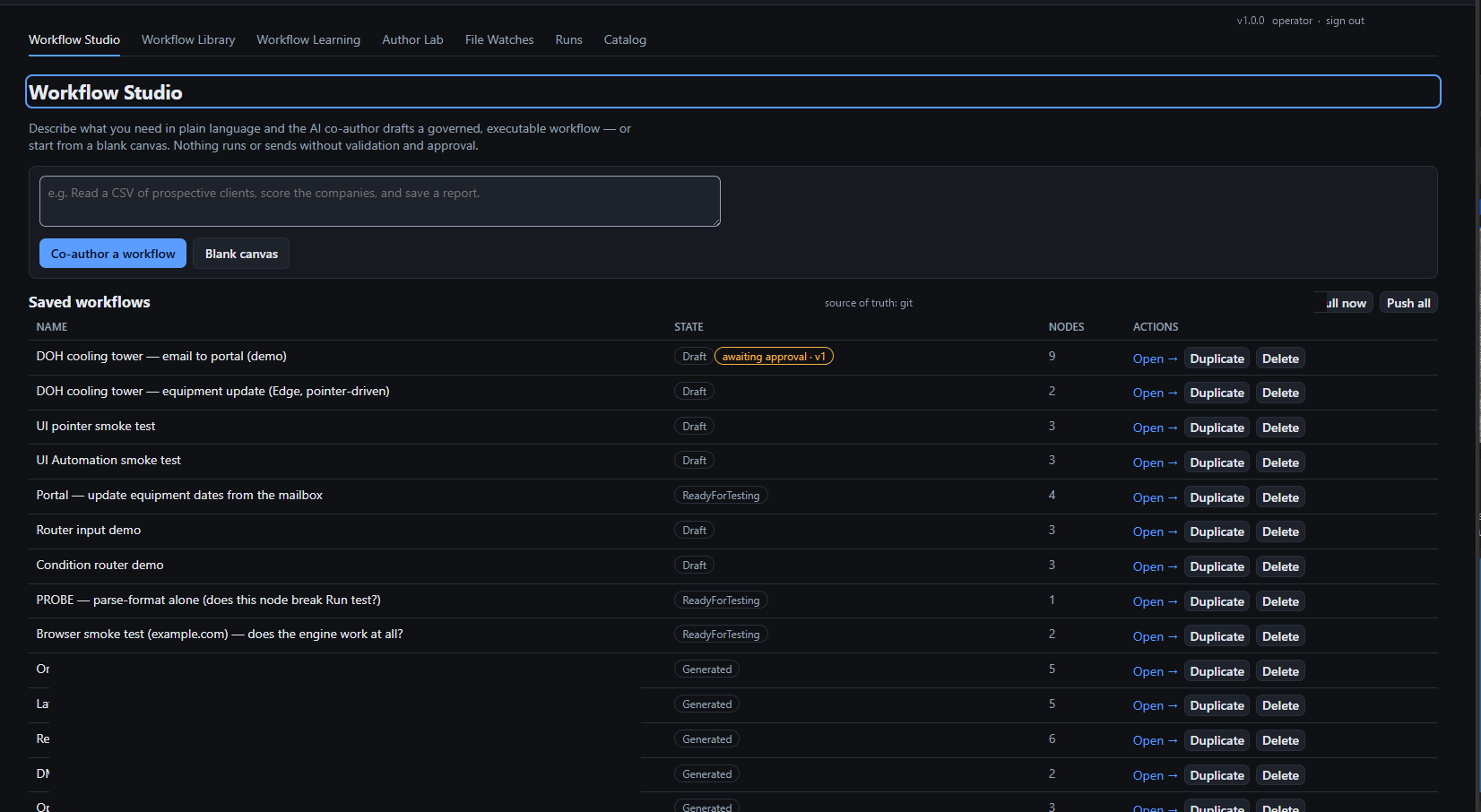
The co-author, the AI inside Workflow Studio (the editor where workflows are built), drafts a governed workflow from a plain-language description.
-
Step 2: Approve
Your team reviews it. Steps that send email, write to a system of record or act in an application get a named approver.
-
Step 3: Run
Fleet Agents, lean installs on your own machines, run it; every run leaves a trace.
A standing approval, granted deliberately by an administrator, lets a routine step run without a click each time.
The AI writes the workflow. The workflow runs without it.
- Called once: to draft the workflow or map a new data source.
- Called again: only when a source changes shape, not when the data does.
- Everything between runs as defined steps. Same input, same output.
You pay for AI when the work is designed, not every time it runs.
AI runs only in steps you mark as AI steps. With a local model there is no per-token fee at all.
See a run
Watch a run stop where it should.
Vendor invoice intake · v7
ReadyAwaiting approval
Workflow 'Vendor invoice intake' is waiting to run step 'write.erp'. Approving runs this step; the workflow then continues to its next gate.
- read.intake, 214 documents: Not started
- map.fields: Not started
- write.erp, risk L3: Not started
- notify.owner: Not started
Trace
Press Run to start.
An illustration. Real runs record real timings in the trace.
Reach
It drives software that has no API.
What it connects to
- Windows applications
- Microsoft UI Automation drives desktop applications through their own screens, from a Fleet Agent on a signed-in desktop; not mainframe screens or Citrix sessions.
- Browsers and web portals
- Playwright, Selenium or Edge sessions read pages, fill and submit forms and download files; a government portal filing is the measured example.
- Read a mailbox, file or dispose of messages, draft and send (IMAP and SMTP).
- Microsoft 365
- Post to Teams; SharePoint documents and Teams messages as knowledge sources; Azure Monitor metrics.
- Databases
- SQL Server and ODBC: query, execute, upsert.
- APIs
- HTTP GET and POST, REST, paginated API sources, publishing to an API or message bus; syslog as a source.
- Files and documents
- Folders and file servers; CSV, JSON, XML, Markdown; PDF and Word; spreadsheets; archives; OCR; audio transcription.
- Data shaping
- Map fields and schemas, join, filter, sort, pivot, deduplicate, validate, redact personal data, derive columns, running totals.
- Scripting
- PowerShell, approval-gated, with a diagnostic mode; off where the environment demands it.
- AI steps
- Ollama locally, or OpenAI or Anthropic hosted, chosen per use by the administrator: classify, extract, compose text, map an unknown source onto a known shape, research a company.
- Governance nodes
- Approval, standing-grant gate, policy evaluation and simulation, circuit breaker, retry, error handler, checksum verification.
112 node types across 32 business modules. If there is no node for a system, the HTTP node or a browser script usually reaches it, and new node types are built when a customer needs them.
Deployment
It runs where your data already is.
Fleet Agents are lean installs that enroll with your main installation and run its workflows on other machines, including the desktops that drive Windows applications.
- Self-hosted
- Installs on your own servers and can be deployed with no outbound connection.
- Local AI models
- A local model runs by default. Which model runs, and where, is configuration your administrator sets for every use.
- Nothing reports to us
- No telemetry. The licence is verified on your own server, offline.
- Signed releases
- Every package is signed; the installer verifies the signature and every file's hash before it changes anything. Upgrade in place, roll back to the previous version.
- If the support plan lapses
- Your installed version keeps running, indefinitely. New releases stop until the plan is reinstated.
- If C2Consultants went away
- Your workflows can live in your own version control and your data stays in your own database, so both outlive any vendor.
Proof, labelled
Proven on real work.
112 s
Measuredautomated, median over the last 18 runs
10–20 min by hand, per filing (the customer's estimate)
≈ 7 s
Measured AIper item, AI triage of work items
A government portal filing in production: read the request email, check the fields, fill in the portal, save and confirm. About 100 filings a week. The same install now files several state and city regulatory submissions and updates records in an internal application.
A second pilot is building a full accounts-payable workflow that drives a legacy Windows accounting application through its own screens.
Measured from the install's own run traces, not a lab benchmark. 7,384 automated tests passing at the last full run; 112 node types across 32 business modules.
Savings
What your workflows give back.
Quick estimate
IllustrativeA simple workflow: about 2.7 minutes automated per run, no edge cases, no approvals.
Count the examples or describe your own workflow, then set the total against the pilot.
Workflows
| Count it | Workflow | Runs a year | Hours saved a year | Saved a year |
|---|
Tick the workflows to include in the totals below. Click a row to open it in the editor. The examples come from workflows C2Empowered runs today; their badges say what was measured.
The workflow
Work in one run
For each kind of step: how many times it happens in one run, how long a person takes each time, and how long the automation takes each time.
| Step | Times per run | Person, each time minutes | Automated, each time seconds |
|---|
What still needs a person
Hours saved a year
0
The selected workflows together
| Workflow | Runs a year | Person, per run | Saved, per run | Hours a year | Share |
|---|
Hours saved = (a person's minutes per run, minus what still needs a person for edge cases and approvals) × runs a year. Person minutes are estimates unless measured; automated times are measured on a reference install.
Where these numbers come from
Pilot
Start with a pilot.
A pilot puts C2Empowered on your own server and proves it on one of your processes. We document the process and what it costs you today, build and deploy the workflow for it, then measure the cost again.
Installation
$1,750
fixed
Discovery
$2,000
fixed
Workflow build
$175/h
as billed
Fixed total before build hours
$3,750
fixed
Discovery
Your written sign-off
Installation
Build and test
Side by side
Results review
Savings are measured, not estimated: hours × people × rate, before and after.
After the pilot, a perpetual licence sized to the organization, quoted at the results review. Unlimited users, workflows and runs; an annual update and support plan keeps you on current releases, and your installed version keeps running if it lapses.
Partners
Built to be delivered by partners.
MSPs, consultancies and integrators who act on their clients' systems deliver pilots, installations, workflow builds and first-line support. The approval record shows who authorized each action.
Clients buy a fixed-price pilot, then a perpetual licence per organization. No seats and no per-run fees. Partner terms are agreed with each partner.
Questions
What to know before you buy.
Does my data leave the building?
Which AI models can it use?
What applications can it reach?
How much can run at once?
How many connectors are there?
How is the licence priced?
Bring the hardest thing your team still does by hand.
C2Empowered takes AI and makes it consistent.